Often, after folks use versatile digital tools in isolation, the natural progression is to smash them together to create new, unique learning experiences for kids. This post features several multi-apping resources and ideas that you’re sure to extend and improve… and when you do, please share back! 🙂
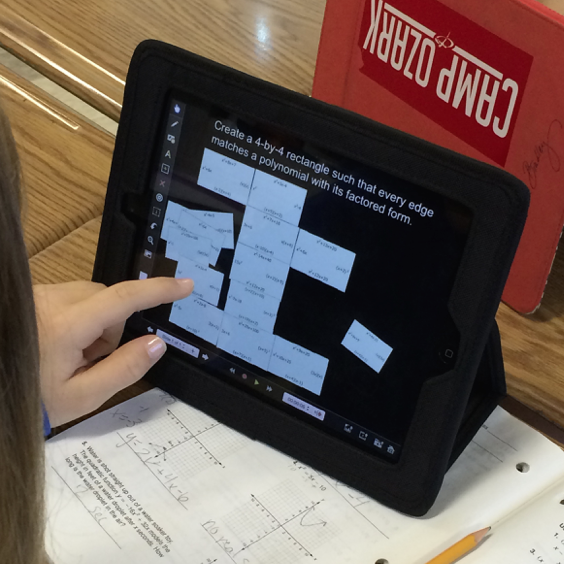
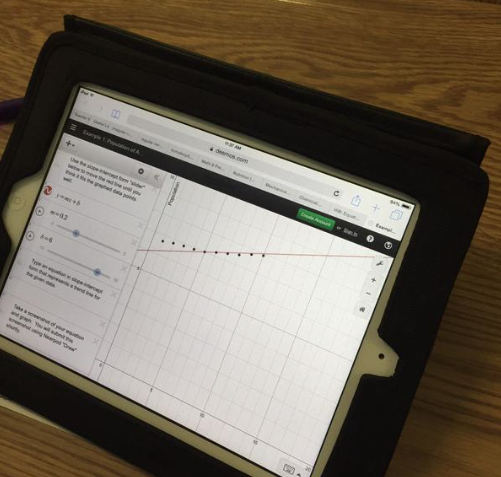
A recent Nearpod update enables the seamless integration of prepared Desmos links within Nearpod lessons using the URL content tool (SWEET). This equips students with an interactive graphing experience that only Desmos can provide, while enabling a silky smooth workflow for students to share their graphs. Within a Nearpod lesson, students are taken directly to the specific Desmos link. They do their thing, and take a screenshot. Next, providing students with an empty “Draw” slide in the Nearpod lesson gives them a place to submit their screenshots. Finally, screenshots can be shared anonymously to students’ screens, or the teacher can showcase them at the front of the room for comparisons and discussions.
 Want to experience the Desmos/Nearpod workflow? Here’s a recent lesson on solving quadratic equations by graphing with Desmos, with a TI graphing calculator, and graphing by hand using common characteristics of quadratics.
On another note, Michael Fenton’s “Match My Graph” resources housed in ThingLinks have inspired folks to create and organize new, prepared Desmos “mini-challenges”. Teachers-in-training have begun creating and sharing these on Twitter. Love that.
New mini-lessons @Desmos by Rowan student Meg Ruesch. Inspired by @mjfenton @mathycathy https://t.co/hCokXVMzQP
— Eric Milou (@drMi) April 7, 2015
To add another layer to this experience, I designed a Nearpod that enables students to submit their screenshots from such Desmos graphing challenges. The NPP is simply made up of empty “Draw” slides so students can send the screenshots of their graphs to me. I recently used this presentation with students by giving them a Nearpod Homework PIN. This way, they could work on the graphing challenges at their own pace, and submit the screenshots to me asynchronously. While the “A-Ha!” of these Desmos mini-challenges is great to witness, giving students a means of digitally capturing and submitting the screenshots has been a plus – now they have proof of conquering the challenges, and more importantly, they get bragging rights. 😉
P.S. The power of Twitter never ceases – a kindred spirit!
Check this out @mathycathy @Desmos @Nearpod, a similar idea with @DaneEhlert ‘s Putt Putt Golf w/ Desmos screenshots https://t.co/QwToXRtv46
— Cory Henwood (@CoryHenwood) April 8, 2015





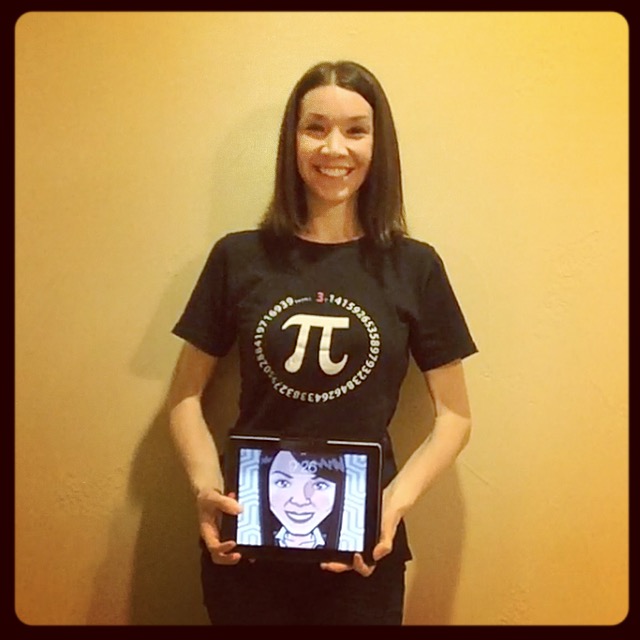
 And then there was Skye. She and her mother have been working on the digits of pi all week. When Skye mastered the first 80 digits by mentally breaking them into smaller chunks, mom encouraged her to keep going. Together, they also worked on the first 100 digits. To be sure to take the win, Skye learned 103 digits and walked away, proudly, with Michael’s pi print. For the record, Michael sent an entire collection of his autographed prints to us, so the top pi memorizer in each of my classes received a different piece of art.