 Students ask to “Kahoot” practically every day. They never tire of this incredible (free!) gaming platform. If you’ve never “Kahooted” before, you can sign up for a free account here.
In a nutshell, Kahoot takes multiple choice formative assessments to a new level of motivation and fun for kids. You can create a Kahoot by simply typing each question and the possible answer choices into the Kahoot gaming platform. You can also add an image to each Kahoot question, which can be quite handy in math class. Additionally, time limits can be adjusted for each question. Each time limit choice will provide a unique Kahoot song during the classroom game. For example, if you set the time limit on a question to be 10 seconds, the song Kahoot plays evokes a sense of urgency! If you set the time limit on a question to be 60 seconds, Kahoot provides a relaxing, zen-like tune. I like to vary the time limits on questions in my Kahoots so that the music changes for every question.
Once I’ve created a Kahoot, I launch it from my laptop and project it at the front of the classroom on my smart board. Kahoot generates a class pin number on the spot. Students join the Kahoot by going to Kahoot.it online where they are prompted to enter the pin. Having 1:1 devices is ideal, and as students join in, their names appear on the big screen at the front of the class. If you’d like, you can have Kahoot show a YouTube video as you wait for students to join the game, ha!
Once all students have joined the game, the teacher launches the first question. Students must look to the screen at the front of the class to read the question and the answer choices, as the screens on their devices only show the answer buttons. This keeps the game very social, versus having kids absorbed primarily in their own device screens.
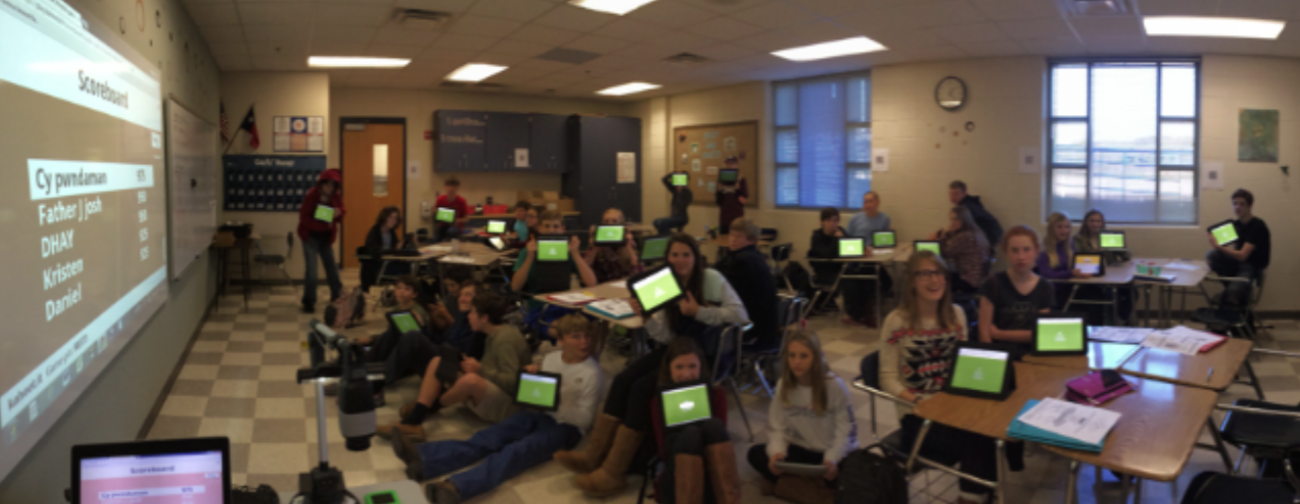
As students answer, those who choose the correct answer the fastest will earn the most “Kahoots” (points). After every question, a bar graph is immediately generated to show the class responses. This is a grand opportunity for reteaching! Then… the leader board shows up, ranking the students who have the most “Kahoots” (points). This is VERY motivating.
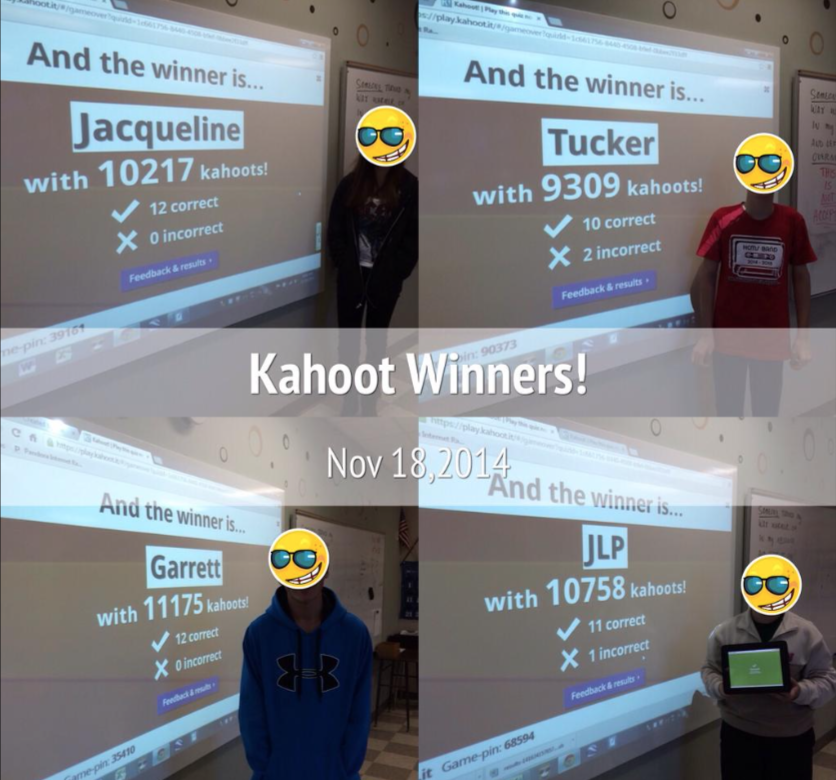
Tradition in my classroom is to have your picture taken at the end of the Kahoot if you’ve “won”. Here are several champions from recent Kahoots.
I don’t use Kahoot as often as my students might prefer. Kahoot rewards students for accuracy and SPEED, and not all math should be speedy. However, when a lesson relies on vocabulary, quick visuals, or mathematics that can be recognized without doing work, I like to give it a go.
This week, I used Kahoot to assess students mid-lesson on transformations of linear functions. I created this Kahoot and used Desmos.com to create some graphs as visuals. Students had just learned about these transformations, and we’d used Desmos to explore them using sliders, so having a few screenshots in Kahoot from Desmos made perfect sense. Using Kahoot helped me reinforce linear transformations and address misunderstandings right away.
@GetKahoot and @Desmos playing nicely with linear transformations today:-) pic.twitter.com/wWoVyelHW1
— Cathy Yenca (@mathycathy) November 18, 2014
When the fun is done, Kahoot provides a color-coded data report for the teacher (much like Socrative) to examine later.
Teachers have already created hundreds of thousands of Kahoots – when you initiate your free account, you can search them yourself and use them with your students.
Interested in the linear transformations Kahoot I used with students? Grab it here.
How are you using Kahoot with students?
What additional middle school math topics make sense for a gaming platform like Kahoot?